 Agent Keyboard
This page edits itself
Change your app by
talking to it.
One script tag puts a prompt bar in your app. Type, talk, or snap a photo — a real Claude Code session edits the repo and ships it while you watch.
Agent KeyboardOne script tag puts a prompt bar in your app. Type, talk, or snap a photo — a real Claude Code session edits the repo and ships it while you watch.
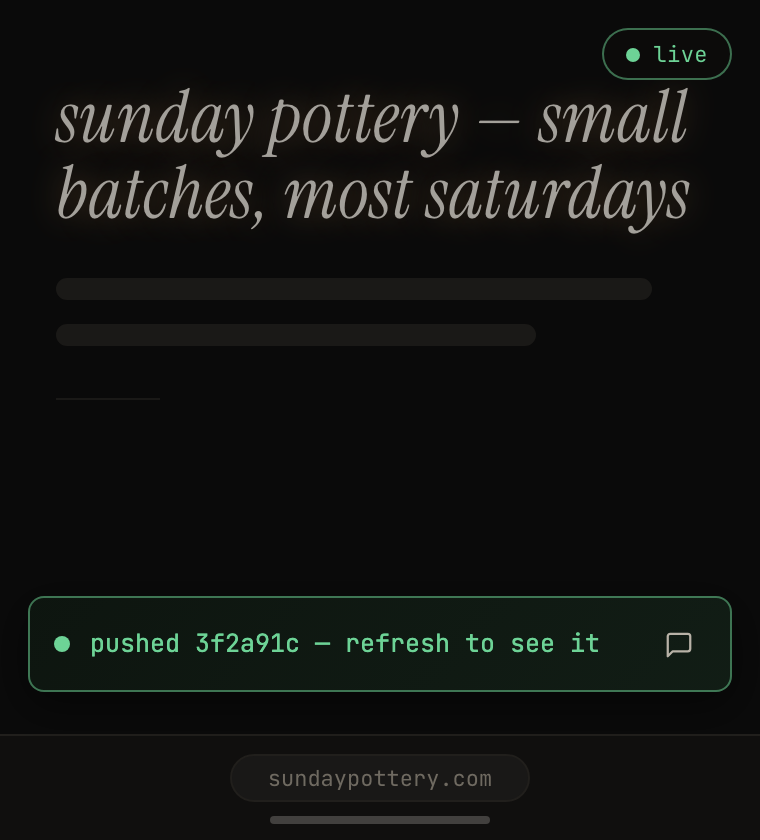
The real bar on a scripted run: ask, it edits the repo, and the page updates right where you're looking.
<script src="https://agent-keyboard.fly.dev/widget.js" data-site="halo" defer></script>
That's the whole install. Open source · self-hosted · MIT.
I built this for myself — to change my app in the place I actually look at it, not some throwaway browser bolted into my IDE.
So it happens in situ: you ask, you watch it change, you ask again. Less typing at a wall, more shaping something right in front of you.
You sign in once through Supabase and prompt the bar right on your app.
One push to every repo you connect — your host redeploys.
Just ask, and it ships. As your needs grow, reach for more — sandboxes to try a change first, notes for bigger specs, teammates in the conversation. They're ready whenever you are.
Model, effort, plan mode, skills, memory — every Claude Code control is one sentence in the bar. And the CLI under it updates itself daily.
No — there's nothing to install in your browser. It's a single <script> tag you
add to your app's own code, like an analytics snippet. The bar then appears right inside your running
site once you're signed in. No extension, no separate app.
Anyone who wants to change a site they own without opening their editor — founders tweaking a landing page, indie hackers and solo devs shipping on the go, small teams building features side by side in their own sandboxes, designers who'd rather describe a change than file a ticket. If you can describe it, you can ship it.
Minutes. Drop in the script tag and allow-list your repo — you can even ask the agent to wire it up for you. Standing up your own server (or forking this one) is the longer part, and it's a short, well-documented path.
Yes — it complements your workflow, it doesn't replace it. It commits and pushes to the same repo you already use, and re-syncs to the latest before every change, so your editor, CI, and deploys keep working exactly as before. If you've used Claude Code, there's no learning curve — it's the same engine, just reachable from inside your app: a faster feedback loop for shipping small changes, not a new tool to adopt.
It only touches repos you allow-list, and every commit is authored by the person who asked for it. Want to review before it goes live? Ask for a sandbox: a private preview you can click around in, published only when you say so. And you can always ask it to roll a change back.
Mostly things you already pay for: the Claude Code subscription edits, Supabase's free tier does auth, a small Fly VM (often free) hosts. The OpenAI key is optional, for voice.